
Editing made simple
Create more, edit less
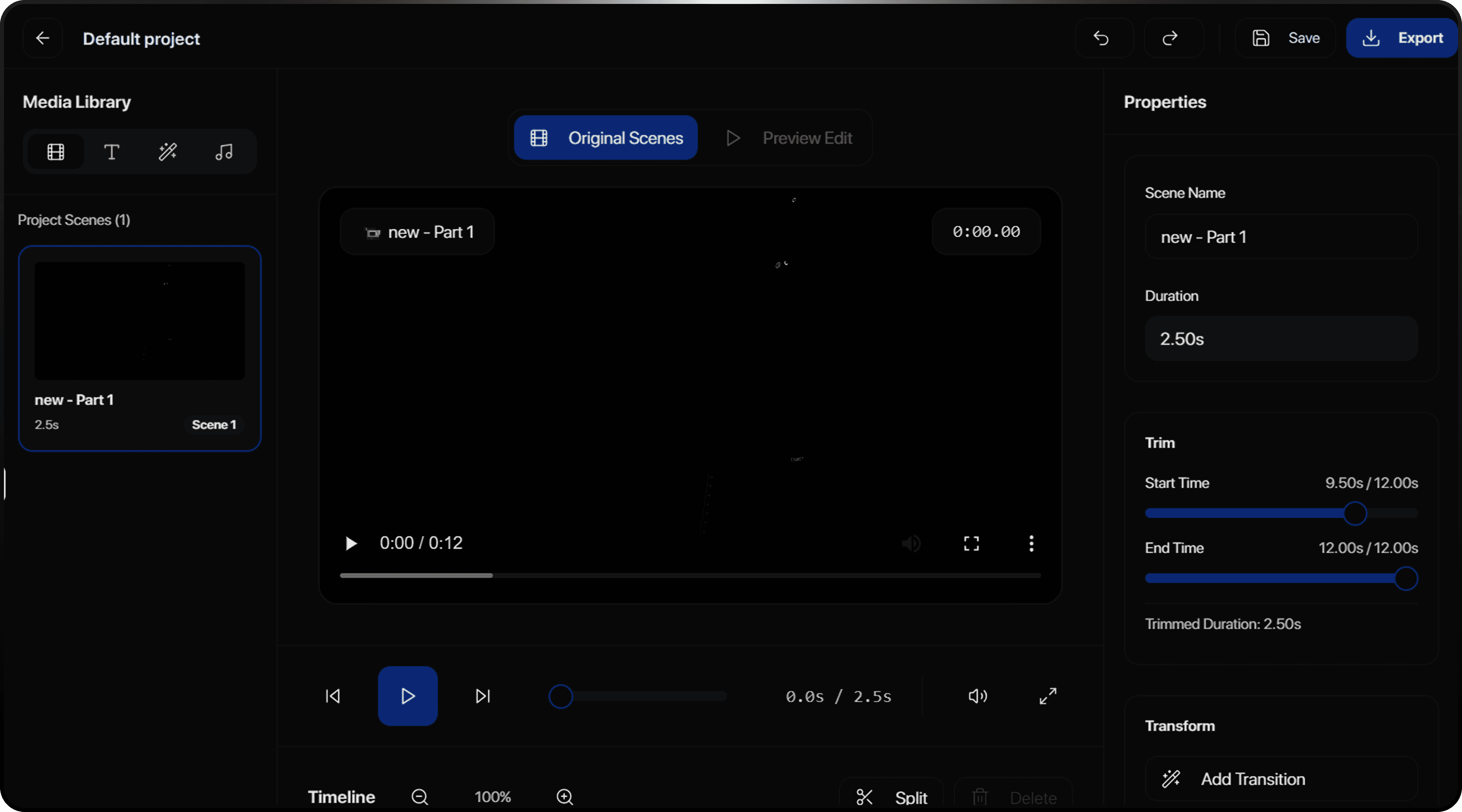
Three steps to perfect edits
From raw footage to published video in minutes
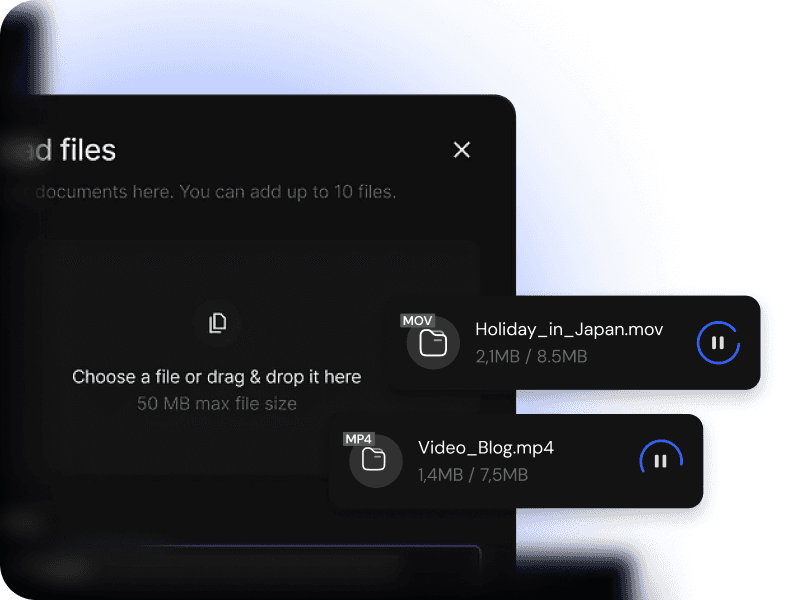
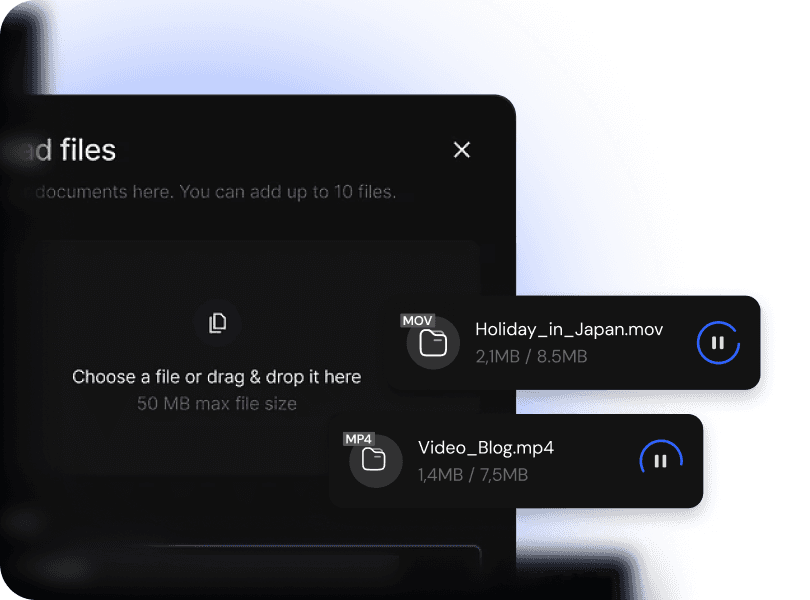
Powerful Export Options
Take your content anywhere with full control over your workflow.
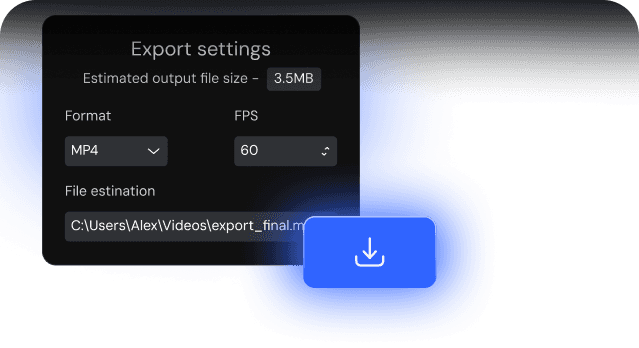
Download to Your Device
Export and save your finished video directly to your device in high quality, ready to post or share instantly.
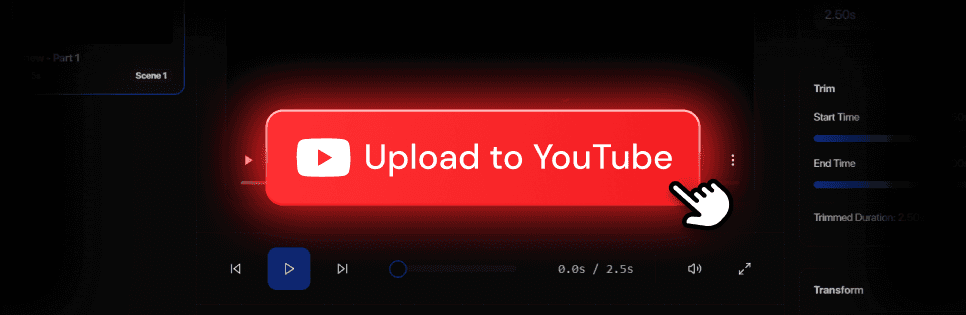
Direct YouTube Publishing
Upload your video straight to your YouTube channel with one click—no extra steps, no manual uploading.
Export to Professional Editing Tools
Send your full project file to your preferred editor, including Final Cut Pro X, DaVinci Resolve, Adobe Premiere Pro, and CapCut for advanced editing.
Style Analysis from Your YouTube Videos
Link your channel or paste any video URL, and we’ll analyze your past content—transitions, pacing, titles, captions—to match your editing style automatically.
Join thousands of YouTubers who've transformed their workflow

50K+
Active Creators
2M+
Videos Edited
70%
Time Saved
Choose your plan
Professional video editing at every level. Start free, upgrade when you need more.
Frequently Asked Questions
Find everything you need to know about Renderr.
What file formats does Renderr support?
Renderr supports MP4, MOV, and most common video formats. We recommend H.264 or HEVC encoded files for best compatibility.
How does the AI decide which clips to use?
What is Rren?
What resolution can I export in?
Can I export to Final Cut Pro or Premiere Pro?
What counts as a project?
Where is my footage stored?
What are Rren credits?
Which social platforms can I publish to?
Can I cancel my subscription anytime?
Ready to edit smarter?
Join 50,000+ creators who've transformed their editing workflow